Deno on Ubuntu
Deno is a secure runtime for JavaScript and TypeScript. Deno is basically Node reversed. https://darryldias.me/2020/deno-v1-1-1-has-been-released/ We will ins
Read ArticleDeno is a secure runtime for JavaScript and TypeScript. Deno is basically Node reversed. https://darryldias.me/2020/deno-v1-1-1-has-been-released/ We will ins
Read Article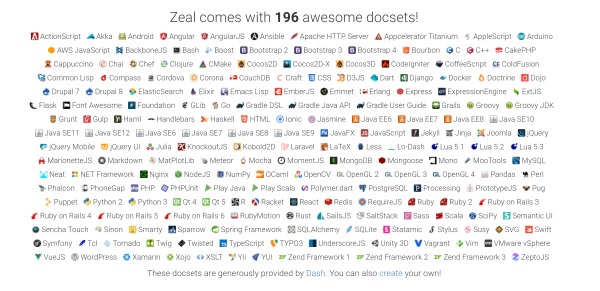
Zeal is an offline documentation browser for web and software developers. It is a great tool, when working on a project, I often use it to refer or recall, mor
Read ArticleYou can disable or mute a node in Blender by pressing the M key while a node is selected or by right clicking on a node and then going into the Node Context Men
Read Article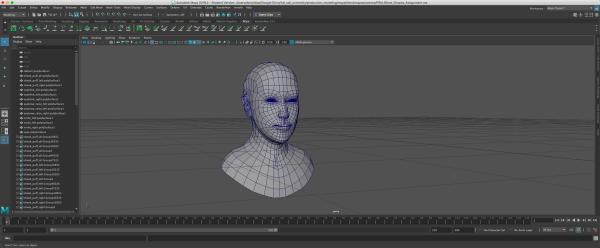
In this article, I will be explaining how to render wireframe in RenderMan 23 for Maya, for this process I will be using Maya 2019.2, but this process should wo
Read Articlehttps://www.youtube.com/watch?v=EfF2wDXalgU Video showcase A video showcasing features of Blender 2.82.
Read Article