0:00--:--
Zeal is an offline documentation browser for web and software developers.
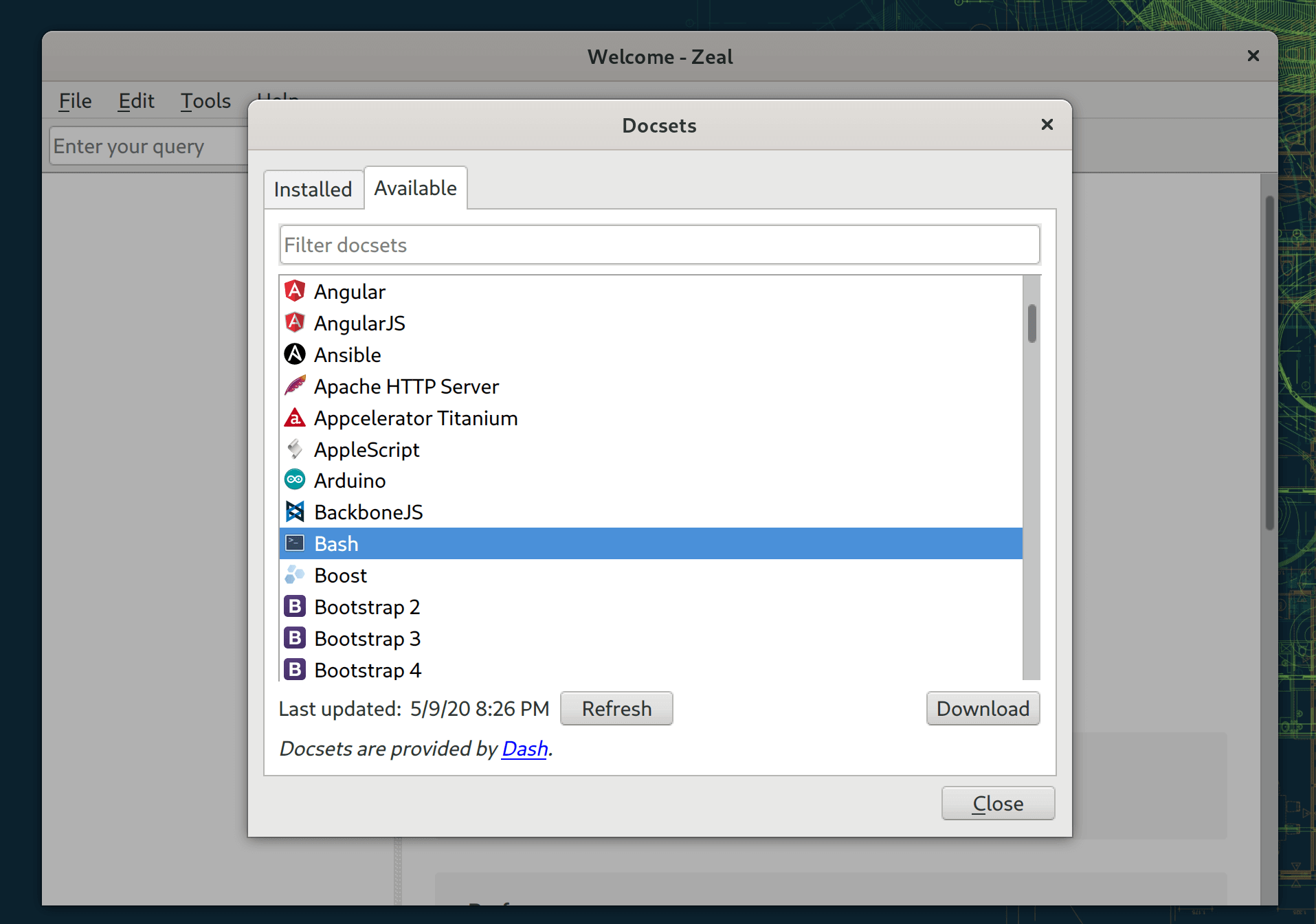
It is a great tool, when working on a project, I often use it to refer or recall, more detailed information a given snippet, the nice thing about Zeal, it can store multiple docsets, so you can store all the important documentations offline.
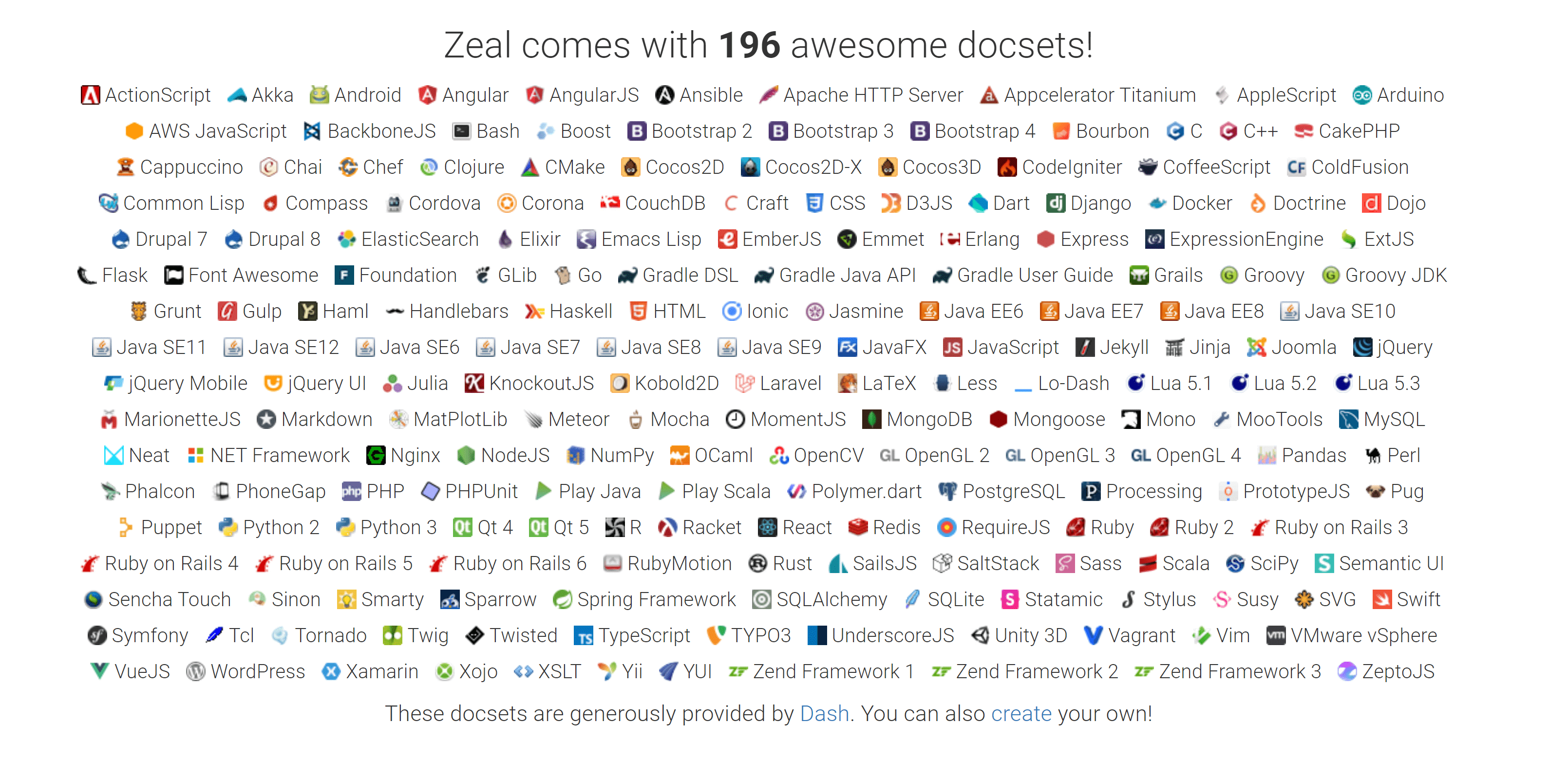
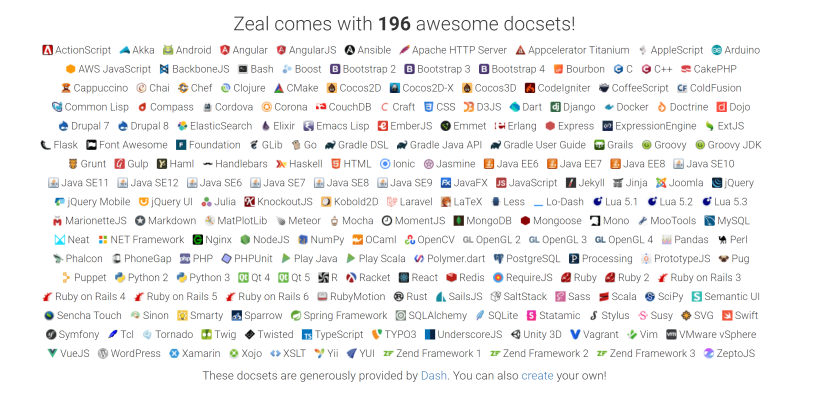
All the docsets Zeal supports.
Let's install it on Ubuntu.
sudo apt install zealYou can now open Zeal and install the docsets you need to work with.
Happy Coding!
