Disable/Bypass a node in Houdini
In Houdini you can bypass (disable) a node by pressing the bypass button on the top right of out of the four options or by pressing the B key. Example of Bypas
Read ArticleIn Houdini you can bypass (disable) a node by pressing the bypass button on the top right of out of the four options or by pressing the B key. Example of Bypas
Read Articlehttps://www.youtube.com/watch?v=jSJNZ5pbV5g&feature=emb_title Maya 2019 was released early this year, and ships with massive performance and workflow improvemen
Read ArticleJust getting started with [Linux](/tag:linux/ or even if you are a new user who has spent some time with it, here are commands that you must know. This post wil
Read ArticleKubuntu 19.10 Beta has been released, and here is what you get in this flavor. Get you distro copy today Don't run this OS on production or as the main machine
Read ArticleWhen opening a .mud file you might get a warning error that states the following, File version is too new or is corrupt. This could be due to the following reas
Read Article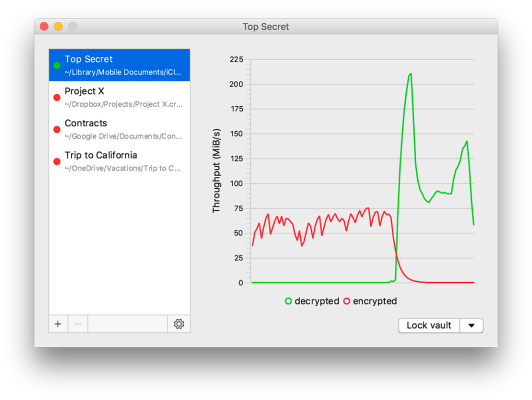
Recently while I was trying to unlock my Cryptomator folder that is stored on my external storage device, Cryptomator kept displaying the error “wrong password”
Read Article