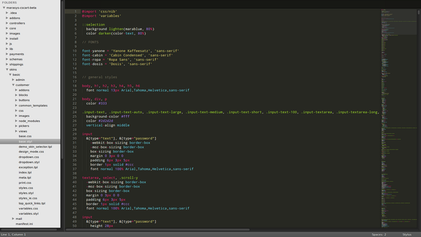
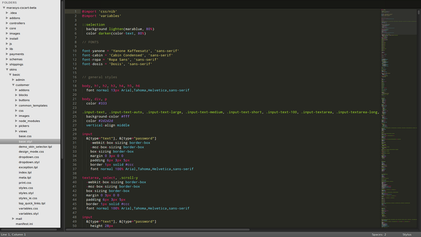
**Sublime Text** is a cross-platform text and source code editor, with a Python API. Its functionality is also extendable with sublime-packages; it is not open source software nor free software, but some extending packages have free-software licenses and are community-built and maintained. The user interface is pretty reminiscent of vim.

The beauty of Sublime Text comes from its ability to highlight syntax from practically any programming language. It is lightweight and as far as editing of source code files is concerned Sublime Text is pure gold. It is good for application programming like C, C++, Java, etc. along with web programming like JavaScript, CSS, HTML and on goes the list. In addition, it has a very useful autocomplete feature that will be more useful than not.
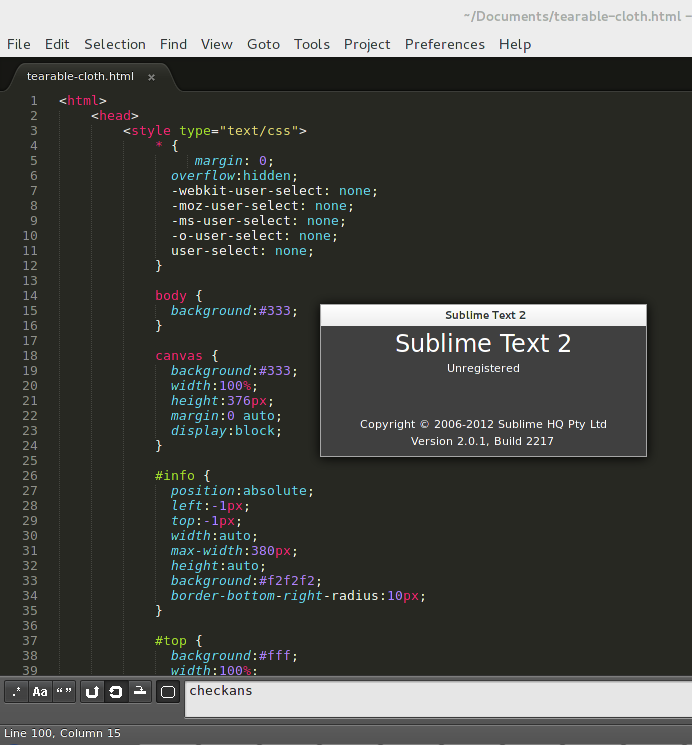
Installation of Sublime Text
Step 1: Setup the Unofficial Sublime Text 2 repository:
wget http://repo.cloudhike.com/sublime2/fedora/sublime2.repo -O /etc/yum.repos.d/sublime2.repoStep 2: Install Sublime Text 2:
sudo yum -y install sublime-textDo let us know your views on this useful tool…
