0:00--:--
Blender is a fantastic open-source 3D animation software, it knows to make people say, “wait Blender can do that too!”.
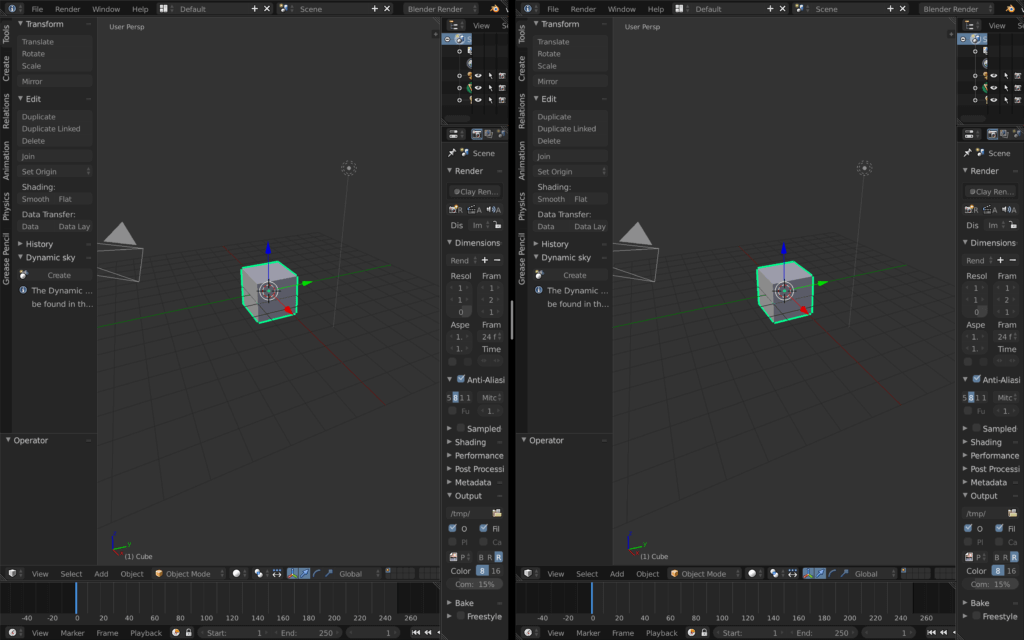
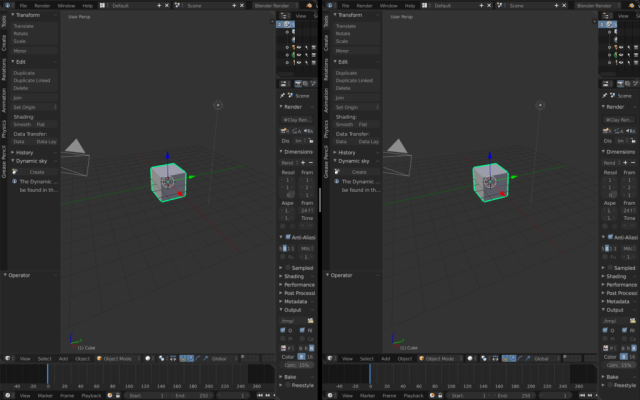
Here is how to open multiple instances of Blender on Mac.
Open Terminal
Enter the following command.
open -n /Applications/Blender.appIf you like this article, hit the like button, share it with the world or leave a comment below.
