This article covers how to install the current Nvidia drivers on Fedora.
As of writing this article, the current release of Fedora is 33. I am using RPM Fusion because that is the only way I could get my RTX 2070 Max-Q (Refresh) to work.
Update: In order for the drivers to work correctly, disable Secure Boot.
Adding RPM Fusion to the system
These repositories provide extra packages that Fedora doesn't include by default. The second command installs the non-free repository, which contains proprietary or partially open-source packages.
sudo dnf install \
  https://download1.rpmfusion.org/free/fedora/rpmfusion-free-release-$(rpm -E %fedora).noarch.rpm
sudo dnf install \
  https://download1.rpmfusion.org/nonfree/fedora/rpmfusion-nonfree-release-$(rpm -E %fedora).noarch.rpm
Installing Nvidia drivers
Let's update Fedora before installing the drivers. If you install any kernel updates during this step, reboot your system before continuing.
sudo dnf update -y
sudo reboot
Now, install the Nvidia drivers:
sudo dnf install akmod-nvidia
Installing CUDA and NVENC is optional:
sudo dnf install xorg-x11-drv-nvidia-cuda
Once the drivers are installed, reboot the system. On the next boot, the Nvidia drivers should be running.
You can check if the drivers are active by entering the nvidia-smi command:
nvidia-smi
If the drivers are working correctly, you should get an output like this. The exact output will vary depending on your GPU.
Fri Jan  1 16:07:42 2021
+-----------------------------------------------------------------------------+
| NVIDIA-SMI 455.45.01    Driver Version: 455.45.01    CUDA Version: 11.1     |
|-------------------------------+----------------------+----------------------+
| GPU  Name        Persistence-M| Bus-Id        Disp.A | Volatile Uncorr. ECC |
| Fan  Temp  Perf  Pwr:Usage/Cap|         Memory-Usage | GPU-Util  Compute M. |
|                               |                      |               MIG M. |
|===============================+======================+======================|
|   0  GeForce RTX 2070    Off  | 00000000:07:00.0  On |                  N/A |
| N/A   54C    P8     8W /  N/A |    586MiB /  7973MiB |      1%      Default |
|                               |                      |                  N/A |
+-------------------------------+----------------------+----------------------+

+-----------------------------------------------------------------------------+
| Processes:                                                                  |
|  GPU   GI   CI        PID   Type   Process name                  GPU Memory |
|        ID   ID                                                   Usage      |
|=============================================================================|
|    0   N/A  N/A      1882      G   /usr/libexec/Xorg                 117MiB |
|    0   N/A  N/A      2028      G   /usr/bin/gnome-shell              294MiB |
|    0   N/A  N/A      3709      G   ...AAAAAAAA== --shared-files      172MiB |
+-----------------------------------------------------------------------------+
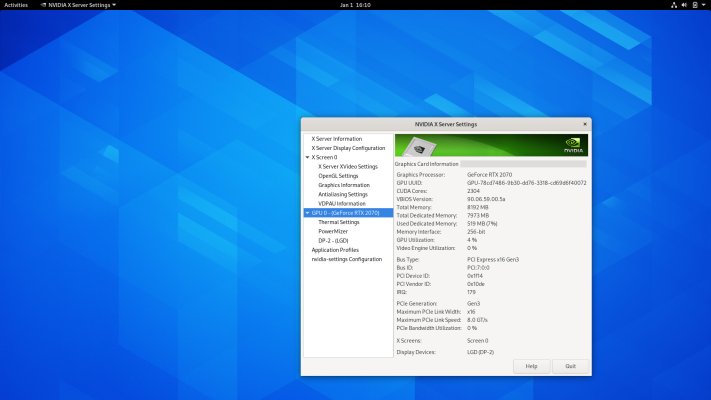
These drivers also include the nvidia-settings application.
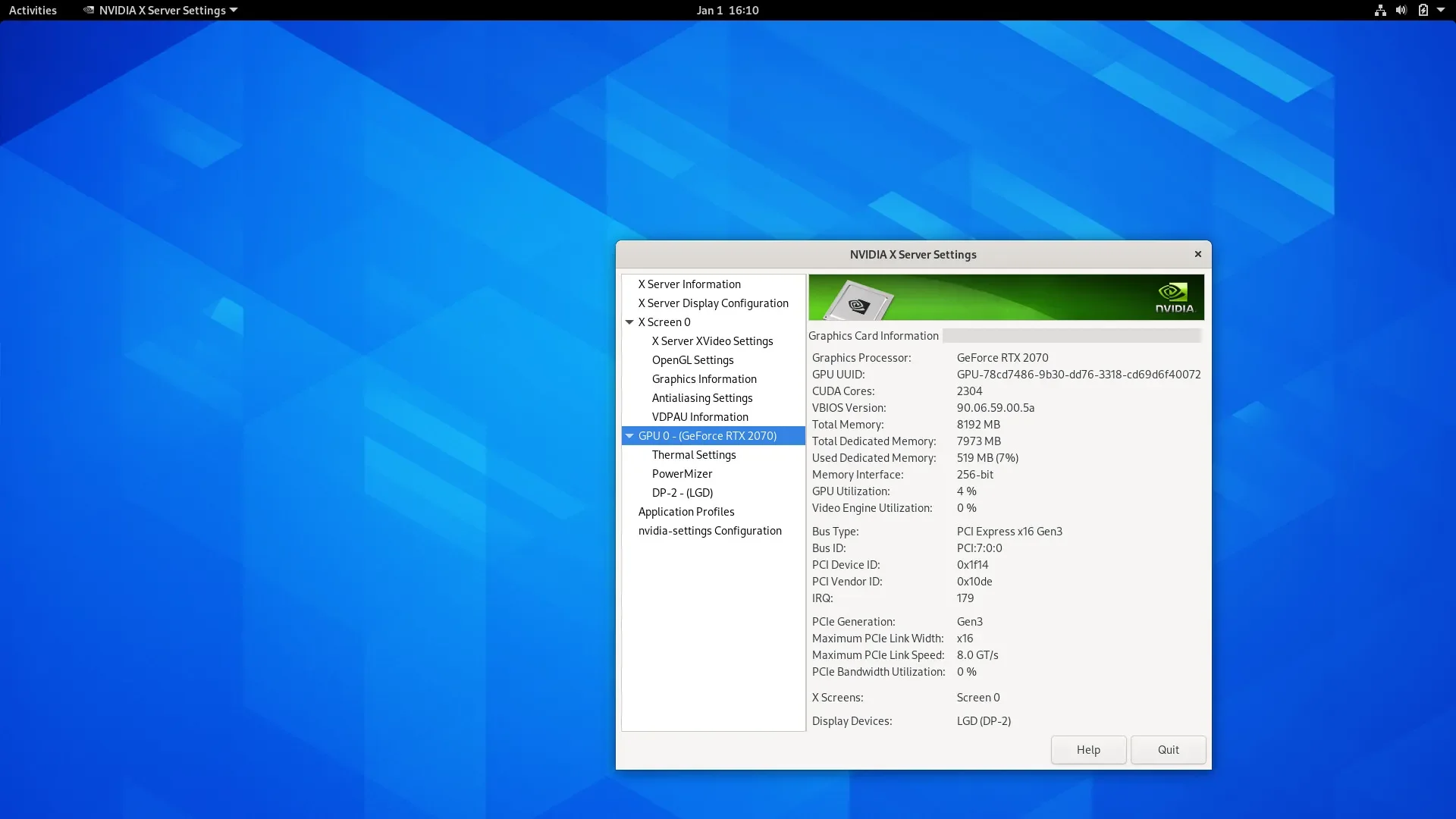
The nvidia-settings window open on Fedora 33 Workstation.
That's it, folks. If you have any questions, feel free to leave a comment below.
