Zig is a general-purpose programming language built for simplicity, performance, and reliability. Andrew Kelley created it in 2015 as a modern successor to C. It offers direct interoperability with existing C code while eliminating common C and C++ pitfalls like hidden control flow, macro complexity, and fragile build systems.
Zig stands out through its explicit error handling, compile-time code execution, and a built-in cross-compilation toolchain. These features make it highly practical for developers targeting multiple platforms. If you are building embedded firmware, high-performance game engines, or WebAssembly modules, Zig provides a lean, no-magic experience. It lets you focus on solving problems rather than fighting the language itself.
Its growing ecosystem and adoption in production projects make it an exciting newcomer in systems programming. Getting it up and running on Fedora is straightforward, and we will walk through the process in this guide.
Installing Zig on Fedora Linux
You can install the Zig compiler directly from Fedora's official repositories using the DNF package manager.
sudo dnf install zig
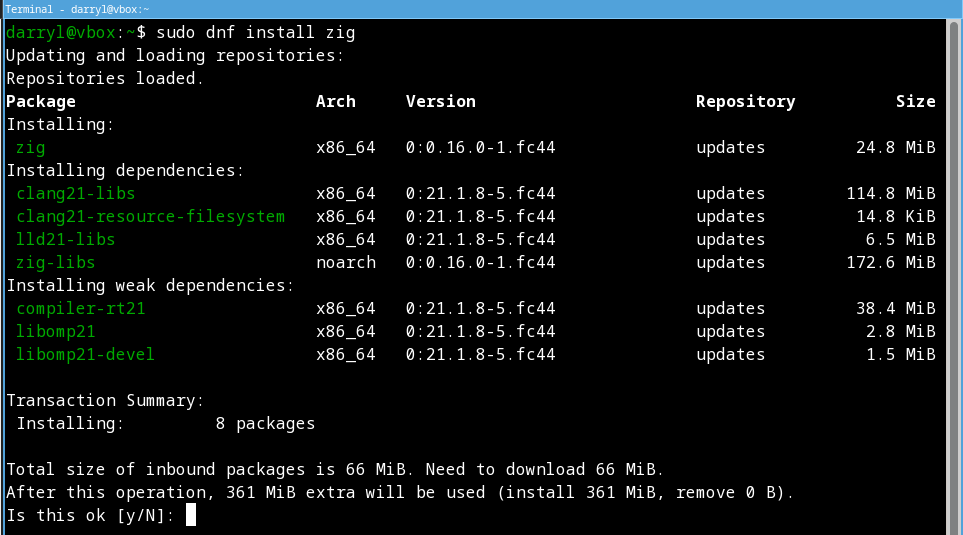
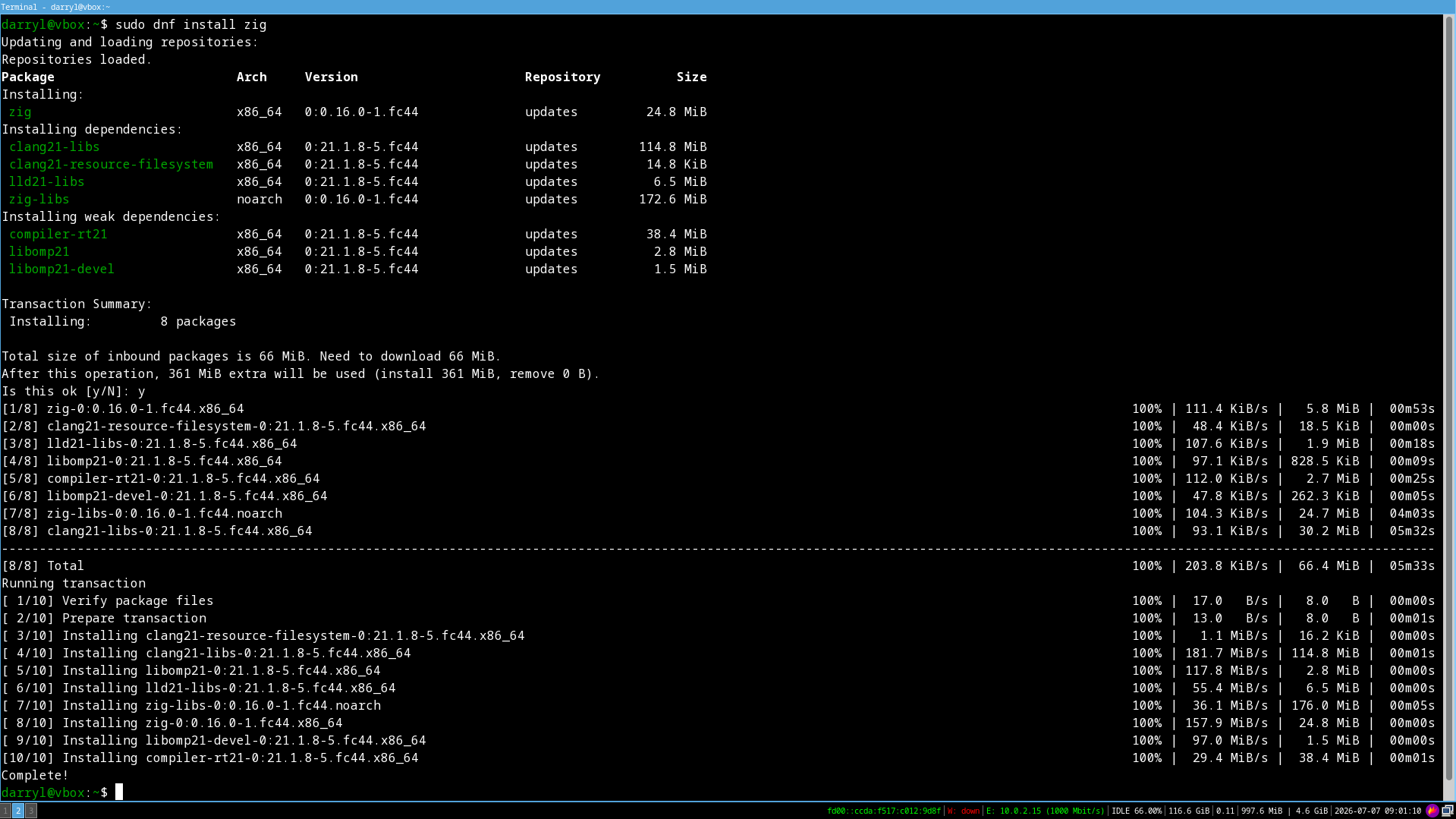
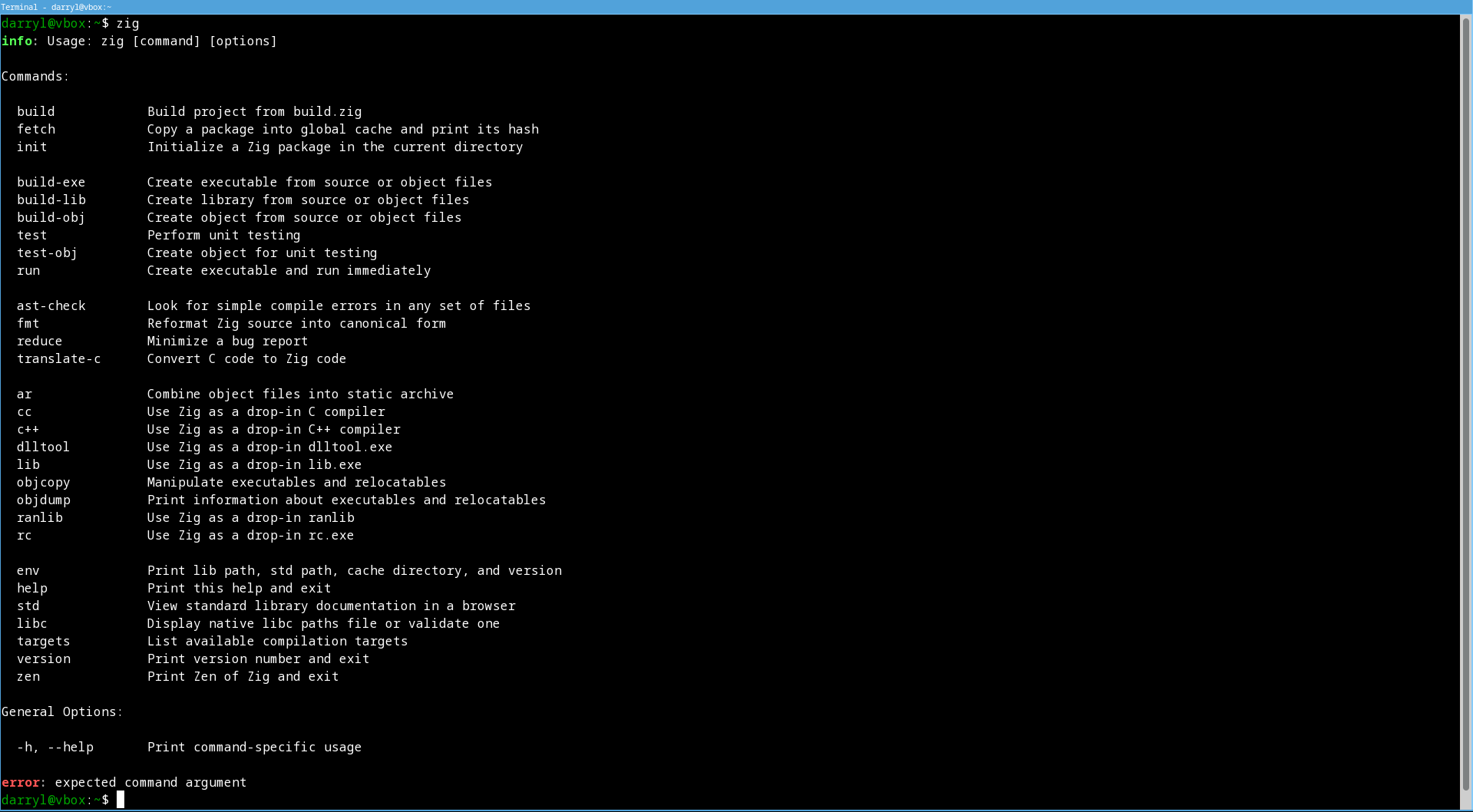
Once the installation finishes, verify it by running the zig command without any arguments:
zig
The output should look similar to this:
info: Usage: zig [command] [options]

Commands:

  build            Build project from build.zig
  fetch            Copy a package into global cache and print its hash
  init             Initialize a Zig package in the current directory

  build-exe        Create executable from source or object files
  build-lib        Create library from source or object files
  build-obj        Create object from source or object files
  test             Perform unit testing
  test-obj         Create object for unit testing
  run              Create executable and run immediately

  ast-check        Look for simple compile errors in any set of files
  fmt              Reformat Zig source into canonical form
  reduce           Minimize a bug report
  translate-c      Convert C code to Zig code

  ar               Combine object files into static archive
  cc               Use Zig as a drop-in C compiler
  c++              Use Zig as a drop-in C++ compiler
  dlltool          Use Zig as a drop-in dlltool.exe
  lib              Use Zig as a drop-in lib.exe
  objcopy          Manipulate executables and relocatables
  objdump          Print information about executables and relocatables
  ranlib           Use Zig as a drop-in ranlib
  rc               Use Zig as a drop-in rc.exe

  env              Print lib path, std path, cache directory, and version
  help             Print this help and exit
  std              View standard library documentation in a browser
  libc             Display native libc paths file or validate one
  targets          List available compilation targets
  version          Print version number and exit
  zen              Print Zen of Zig and exit

General Options:

  -h, --help       Print command-specific usage

error: expected command argument
Initializing a New Zig Project
Next, let's create a new directory for your code and initialize a basic Zig project.
mkdir -p hello-zig
cd hello-zig
zig init
The zig init command generates a default project structure containing your build files and source code:
info: created build.zig
info: created build.zig.zon
info: created src/main.zig
info: created src/root.zig
info: see `zig build --help` for a menu of options
Building the Zig Project
With the project initialized, you can compile it using the build command:
zig build
Viewing Zig Package Details via DNF
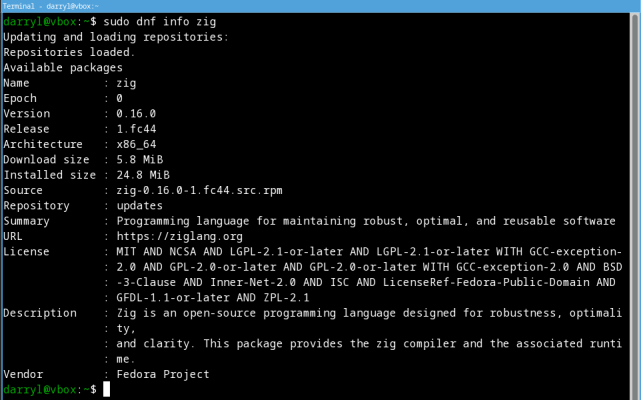
If you ever need to check the specific version, repository, or license information for your installed Zig package, use the dnf info command:
dnf info zig
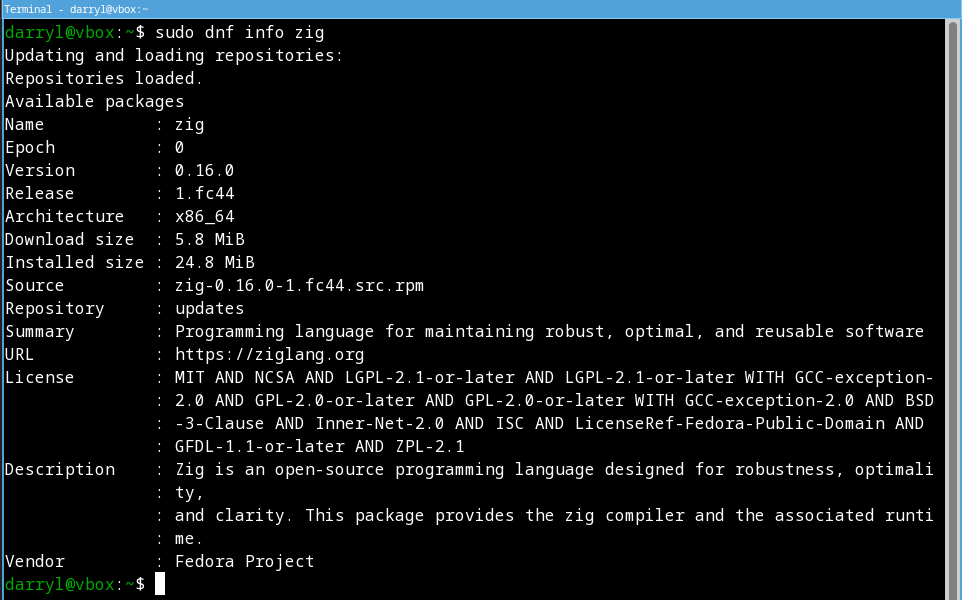
Updating and loading repositories:
 Fedora 44 - x86_64 - Updates                                                                                                                                              100% |  43.3 KiB/s |  11.2 KiB |  00m00s
Repositories loaded.
Installed packages
Name            : zig
Epoch           : 0
Version         : 0.16.0
Release         : 1.fc44
Architecture    : x86_64
Installed size  : 24.8 MiB
Source          : zig-0.16.0-1.fc44.src.rpm
From repository : updates
Summary         : Programming language for maintaining robust, optimal, and reusable software
URL             : https://ziglang.org
License         : MIT AND NCSA AND LGPL-2.1-or-later AND LGPL-2.1-or-later WITH GCC-exception-2.0 AND GPL-2.0-or-later AND GPL-2.0-or-later WITH GCC-exception-2.0 AND BSD-3-Clause AND Inner
                : -Net-2.0 AND ISC AND LicenseRef-Fedora-Public-Domain AND GFDL-1.1-or-later AND ZPL-2.1
Description     : Zig is an open-source programming language designed for robustness, optimality,
                : and clarity. This package provides the zig compiler and the associated runtime.
Vendor          : Fedora Project
That's it, folks! Happy coding.
