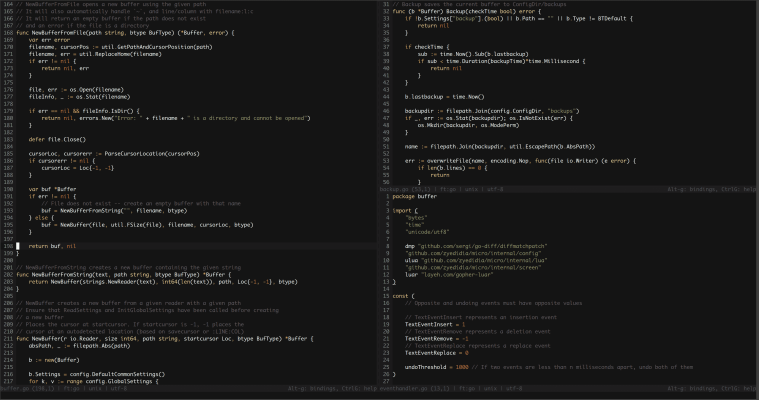
Micro is a free, open-source, cross-platform terminal text editor written in Golang. It aims to be easy to use while taking advantage of the capabilities of modern terminals. It is a single binary with no dependencies.
To install it on Windows 10 or 11, follow the instructions below.
Step 1. Open Command Prompt
You can open the Command Prompt by pressing the Windows key + R, typing cmd.exe in the Run window, and pressing Enter.
Step 2. Run the install command
Type the command shown below and press Enter:
winget install -e --id zyedidia.micro
This command will download the Micro setup files and run the installer as an administrator. When prompted, click Yes to allow the installation.
Once installed, open a new Command Prompt window, type micro, and press Enter.
This will open the Micro editor directly inside your Command Prompt.
