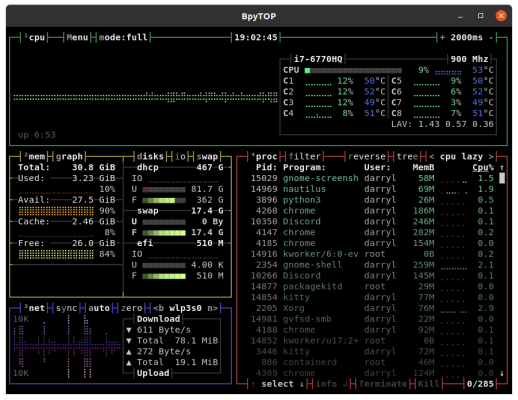
Kitty is a free and open-source feature rich GPU based terminal emulator developed by Kovid Goyal, the project is being actively maintained with over 130+ contributors.
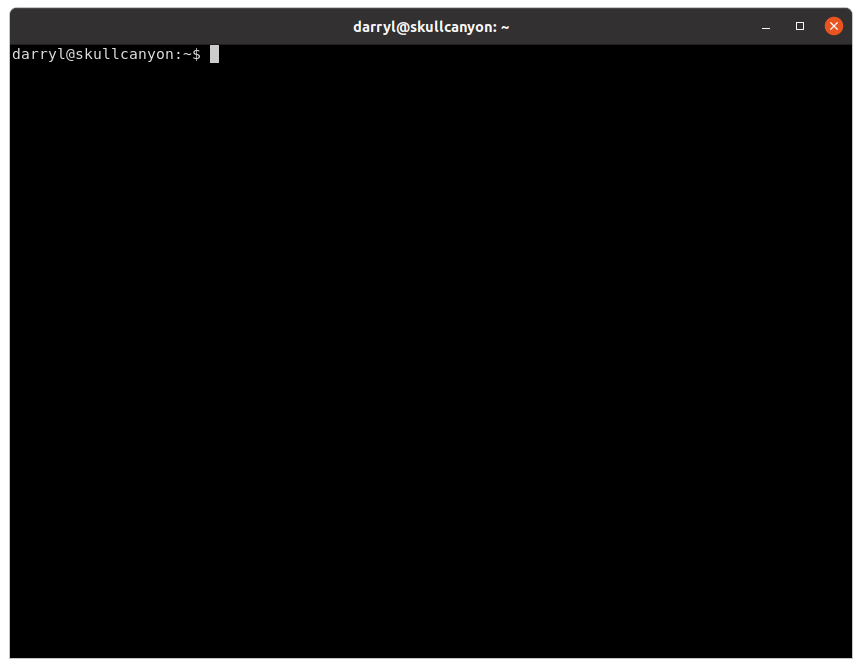
Kitty running on Ubuntu 20.04 LTS
Here are some of its features listed below:
Offloads rendering to the GPU for lower system load and buttery smooth scrolling. Uses threaded rendering to minimize input latency.
Supports all modern terminal features: graphics (images), unicode, true-color, OpenType ligatures, mouse protocol, hyperlinks, focus tracking, bracketed paste, and several new terminal protocol extensions.
Supports tiling multiple terminal windows side by side in different layouts without needing to use an extra program like tmux
Can be controlled from scripts or the shell prompt, even over SSH.
Has a framework for Kittens, small terminal programs that can be used to extend kitty's functionality. For example, they are used for Unicode input, Hints and Side-by-side diff.
Supports startup sessions which allow you to specify the window/tab layout, working directories and programs to run on startup.
Cross-platform: kitty works on Linux and macOS, but because it uses only OpenGL for rendering, it should be trivial to port to other Unix-like platforms.
Allows you to open the scroll back buffer in a separate window using arbitrary programs of your choice. This is useful for browsing the history comfortably in a pager or editor.
Has multiple copy/paste buffers, like vim.
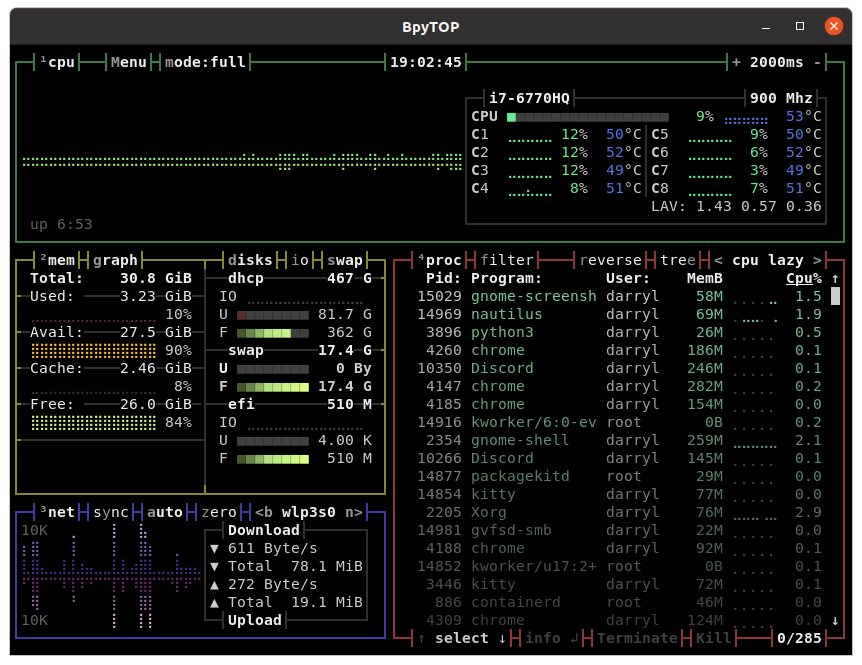
BpyTOP running in Kitty on Ubuntu 20.04 LTS.
Installing Kitty on Ubuntu.
sudo apt install kittyYou can learn more about this package by running apt info kitty
Package: kitty
Version: 0.15.0-1build1
Priority: optional
Section: universe/x11
Origin: Ubuntu
Maintainer: Ubuntu Developers <ubuntu-devel-discuss@lists.ubuntu.com>
Original-Maintainer: James McCoy <jamessan@debian.org>
Bugs: https://bugs.launchpad.net/ubuntu/+filebug
Installed-Size: 6753 kB
Provides: x-terminal-emulator
Depends: kitty-terminfo, python3 (<< 3.9), python3 (>= 3.8~), python3.8, python3:any, libc6 (>= 2.28), libdbus-1-3 (>= 1.9.14), libfontconfig1 (>= 2.12.6), libfreetype6 (>= 2.6), libharfbuzz0b (>= 1.6.0), libpng16-16 (>= 1.6.2-1), libpython3.8 (>= 3.8.0~a1), libwayland-client0 (>= 1.9.91), libx11-6 (>= 2:1.2.99.901), libx11-xcb1, libxkbcommon-x11-0 (>= 0.5.0), libxkbcommon0 (>= 0.5.0), zlib1g (>= 1:1.1.4)
Recommends: kitty-doc, libcanberra0
Suggests: imagemagick
Homepage: https://sw.kovidgoyal.net/kitty/
Download-Size: 1116 kB
APT-Sources: http://archive.ubuntu.com/ubuntu focal/universe amd64 Packages
Description: fast, featureful, GPU based terminal emulator
 Kitty supports modern terminal features like: graphics, unicode,
 true-color, OpenType ligatures, mouse protocol, focus tracking, and
 bracketed paste.
 .
 Kitty has a framework for "kittens", small terminal programs that can be used
 to extend its functionality.
That's it folks, now you have Kitty a GPU based Terminal installed on your system.
Thank you for reading, if you want to discuss this topic further leave a comment below.
