0:00--:--
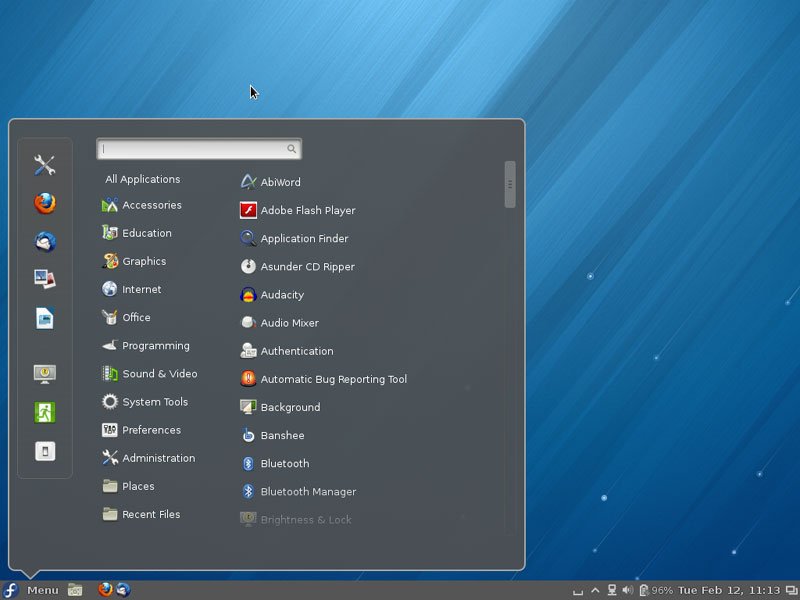
A lot of people wanted to install Cinnamon Desktop Environment on Fedora 17/18 or older. Here is how to install it:
- Open Terminal
- Copy/Type the command in the Terminal given below
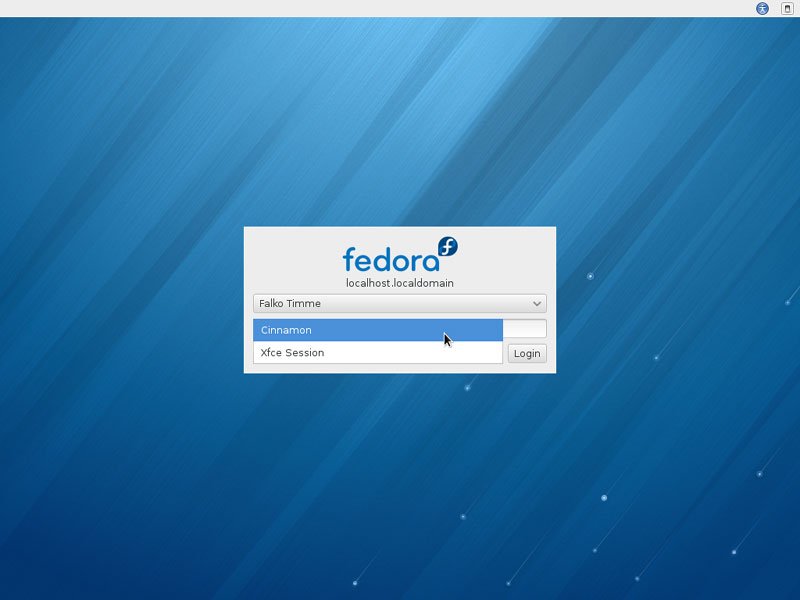
suyum updateyum install cinnamonYou can now switch desktops in the login screen after you selected the account you want to log in with. Click on Session and select Cinnamon
Enjoy!!!
Share this article if you like it. Comment below if you have any problem
