0:00--:--
We need to add the RPM Fusion Free repository to install OBS Studio.
Let's do that by entering the command below and adding the RPM Fusion Free repository.
sudo dnf install \
  https://download1.rpmfusion.org/free/fedora/rpmfusion-free-release-$(rpm -E %fedora).noarch.rpm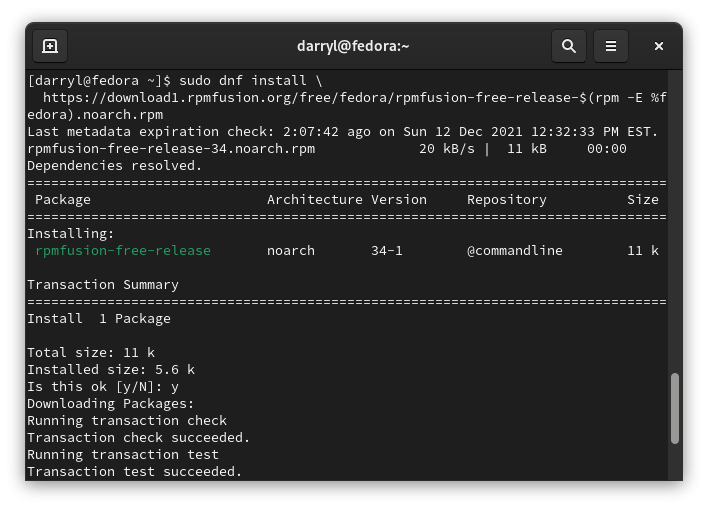
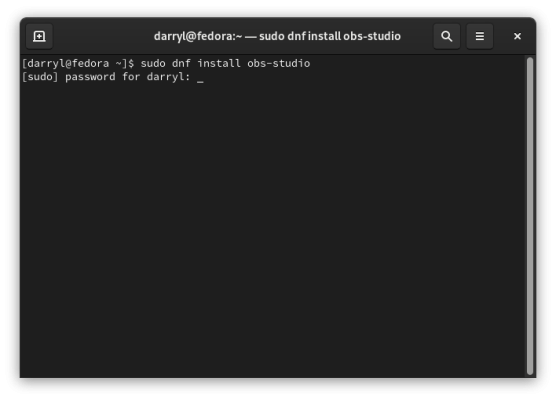
Then we can run the command below to install OBS Studio.
sudo dnf install obs-studio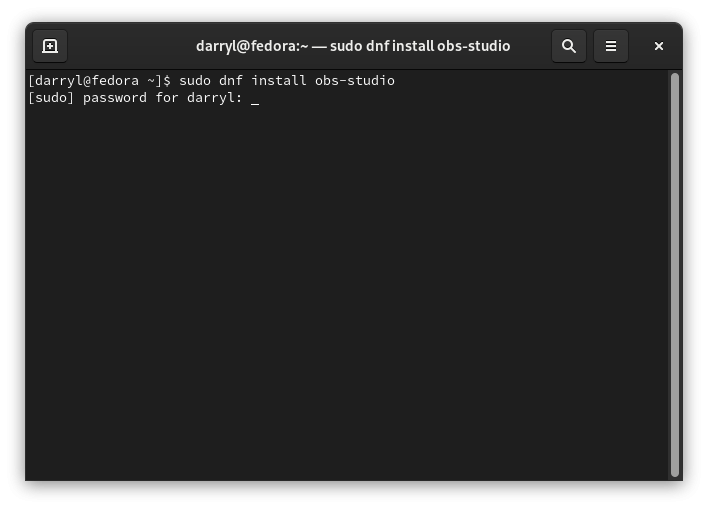
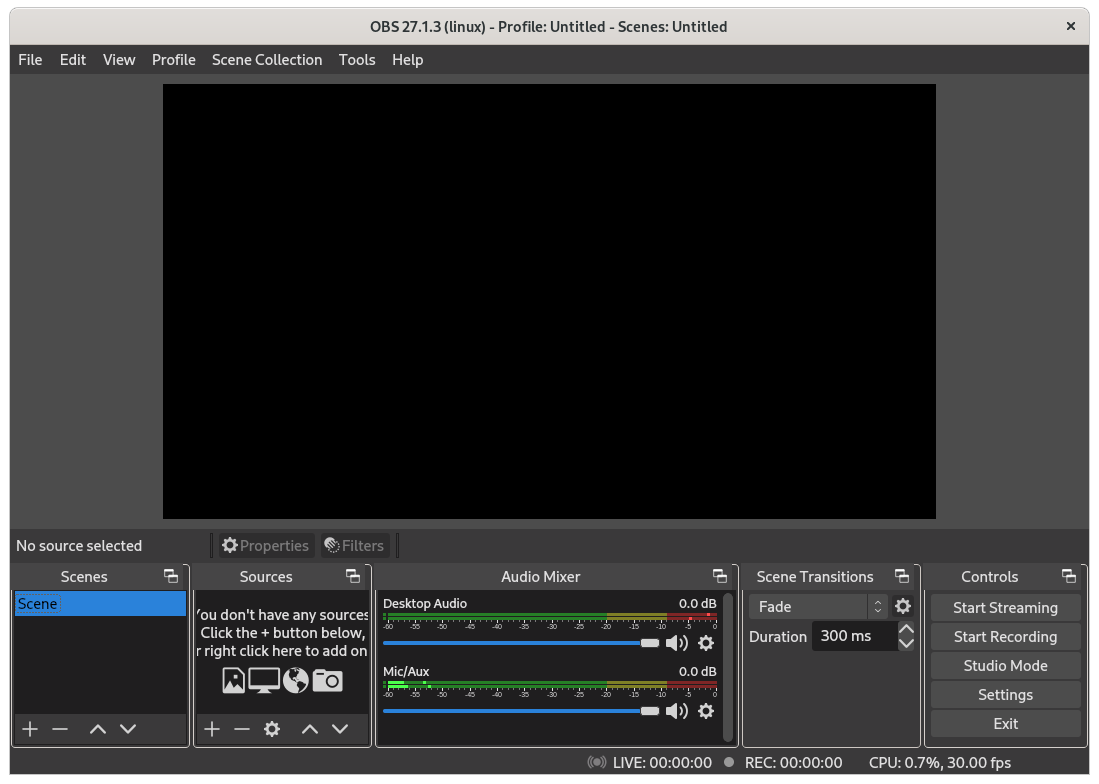
We can then open OBS Studio by going into our Application Launcher.