0:00--:--
If the Windows search bar is not working for you, here is how to fix it. These steps don't need a restart.
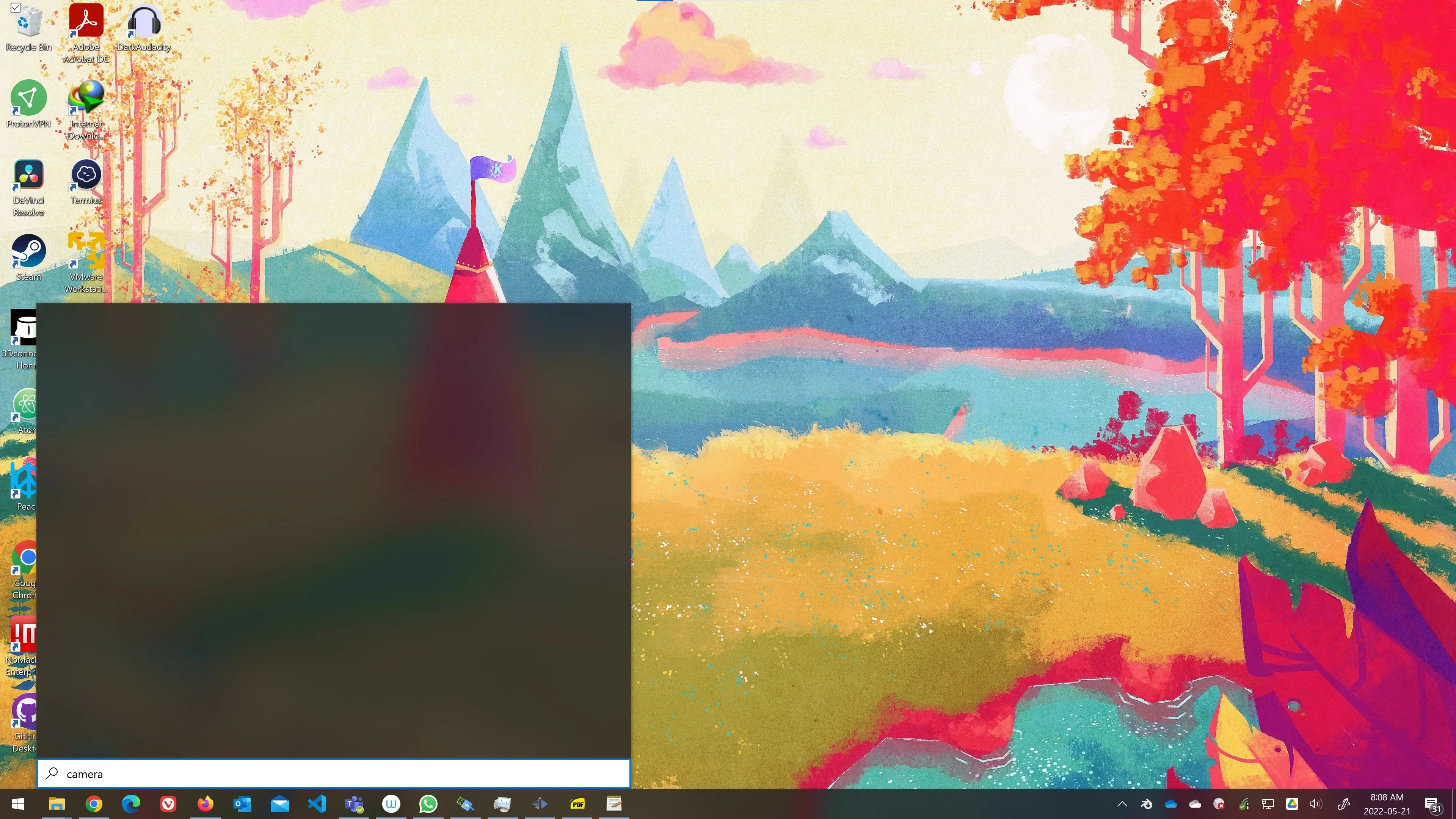
The Windows search bar shows a blank window instead of working.
Steps to resolving the issue.
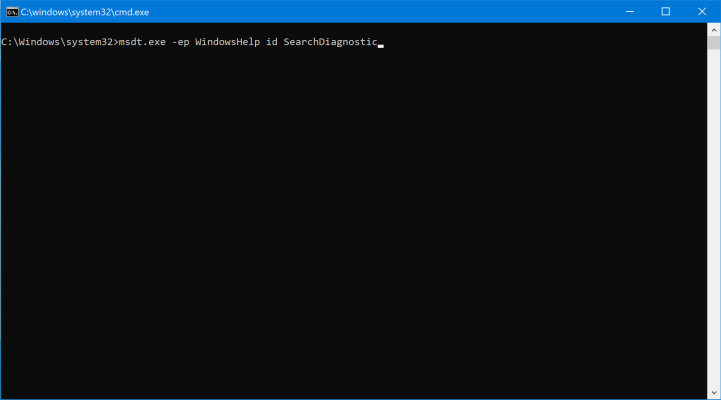
Open an Administrator Command Prompt and enter the command below.
msdt.exe -ep WindowsHelp id SearchDiagnostic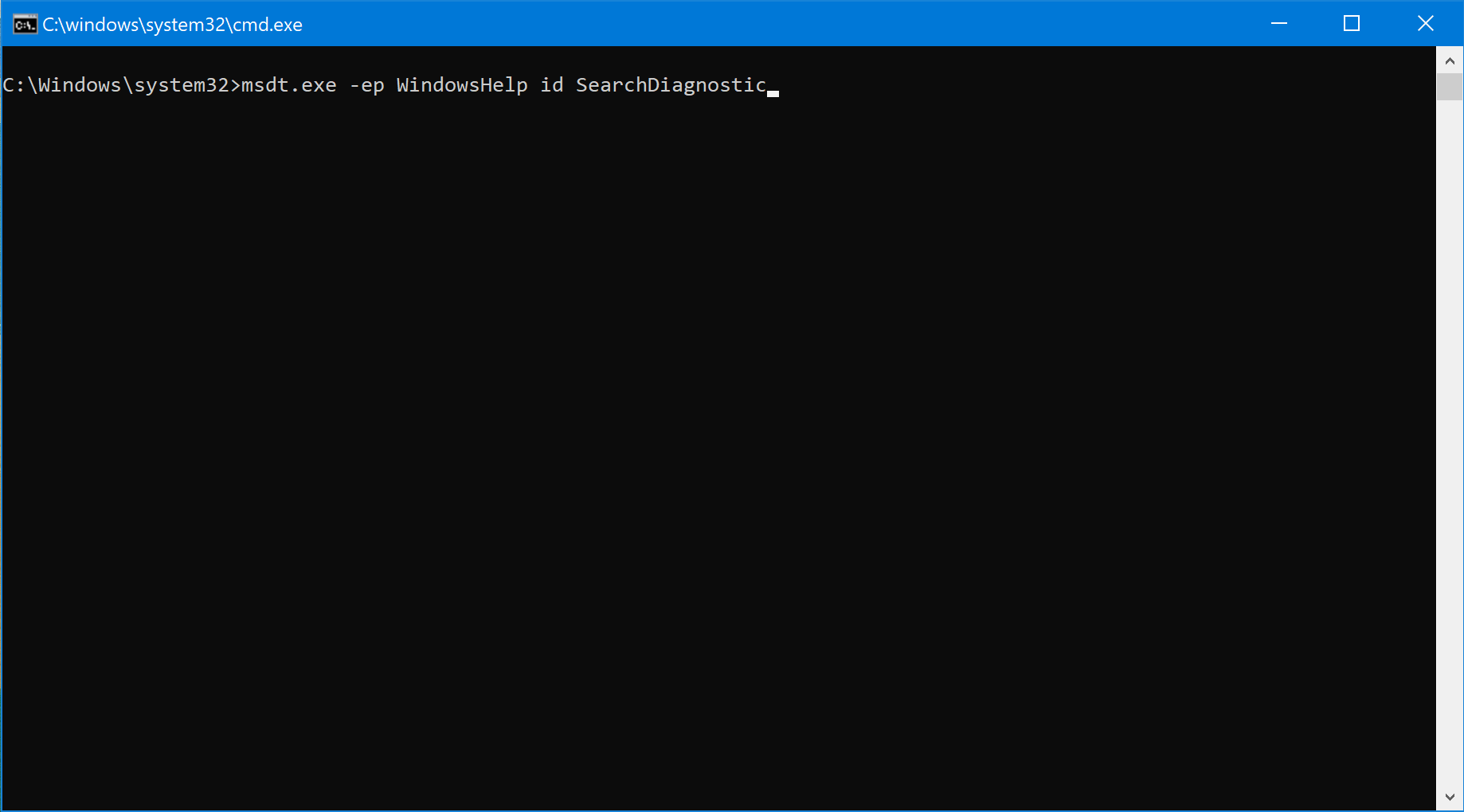
The command will open a dialogue window.
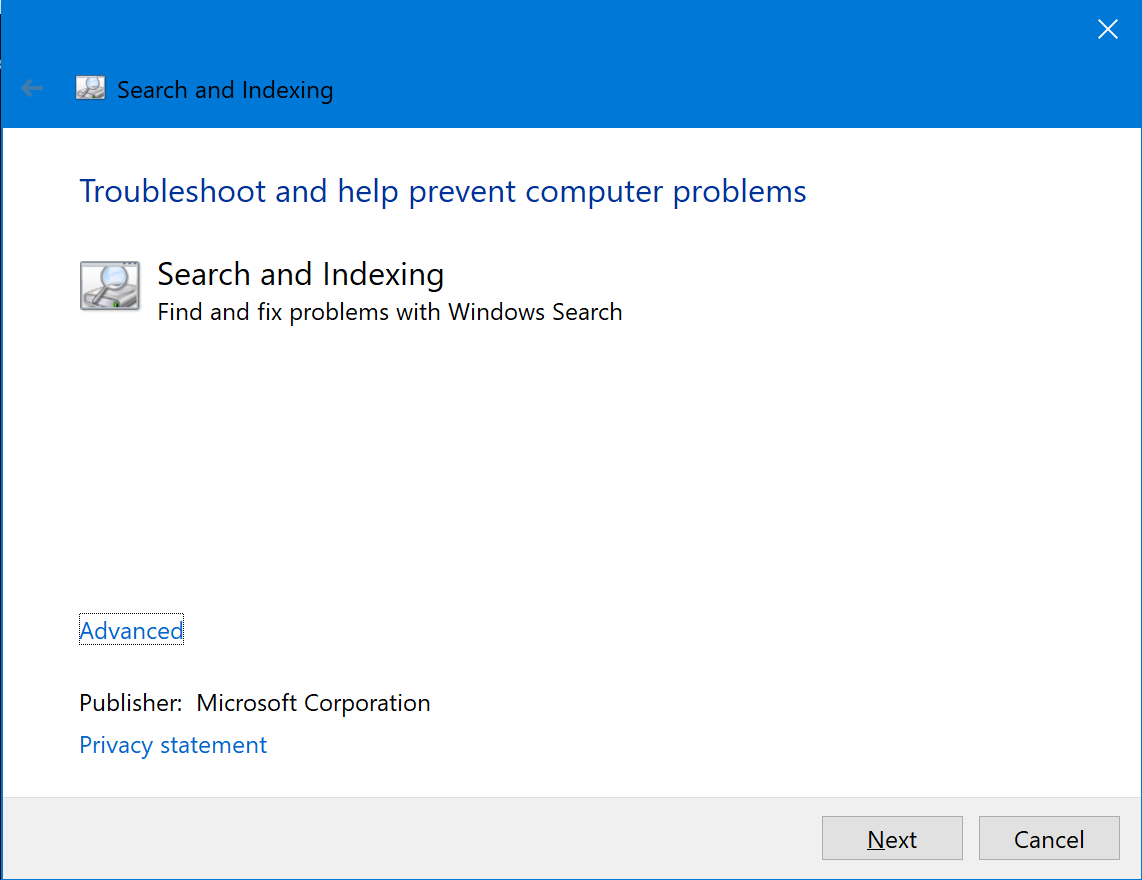
Click next.
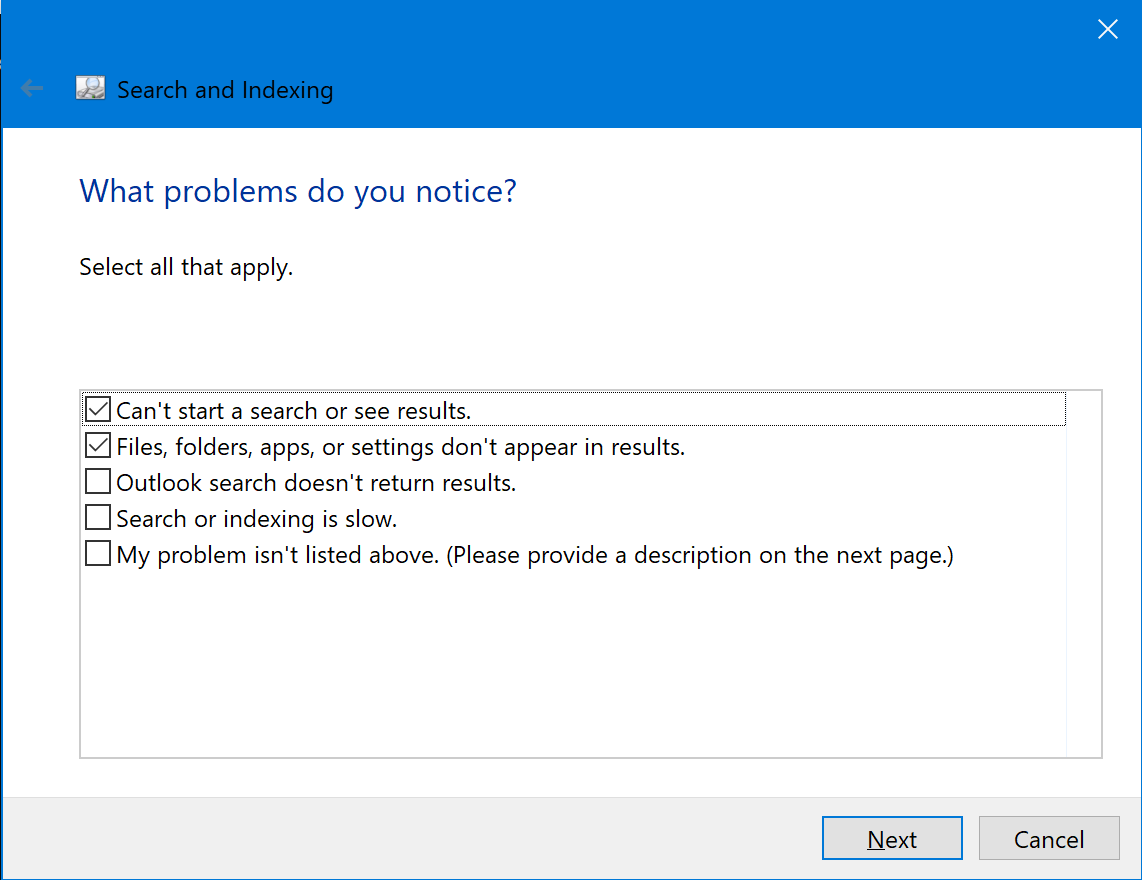
Now check "Can't start a search or see results" and "Files, folders, apps, or settings don't appear in results." Then click next.
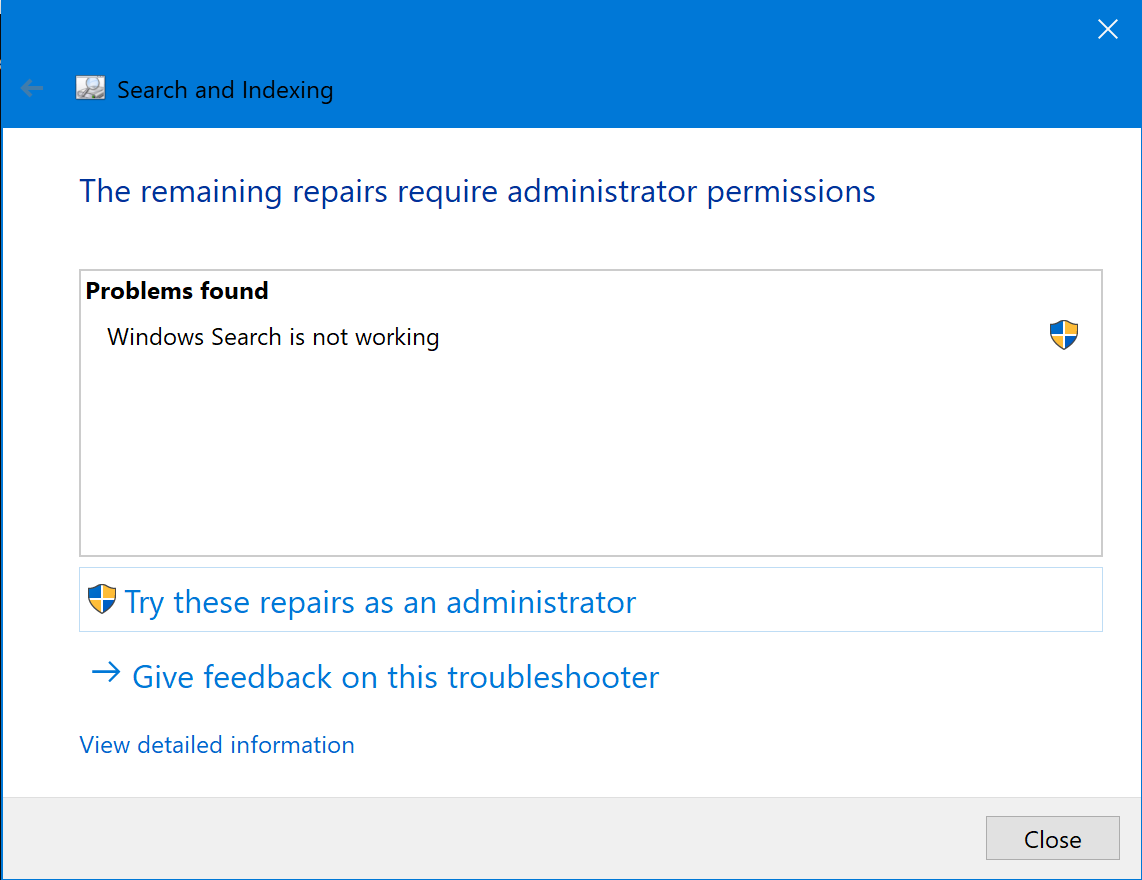
Now click on Try these repairs as an administrator. It will run the troubleshooter and hopefully fix the problem.
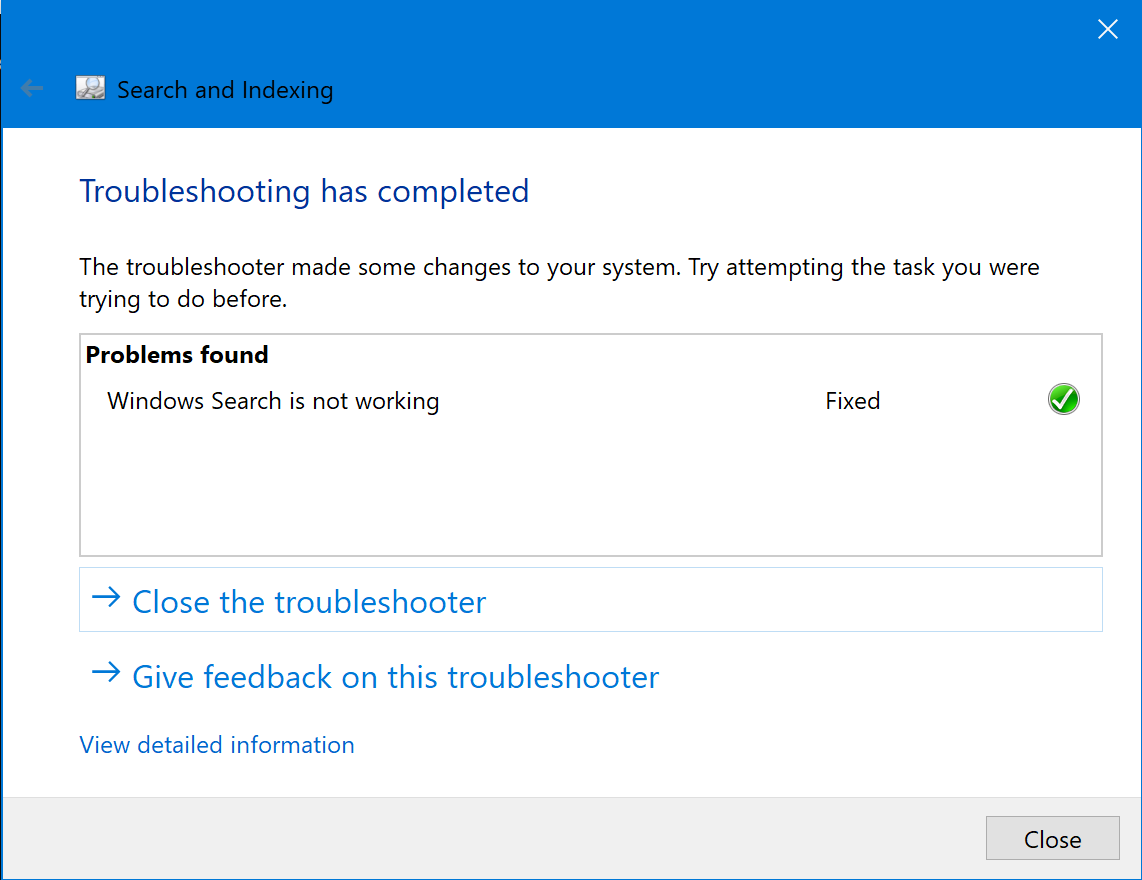
If this worked, it should display Fixed with a green check mark.
That's it, folks.
