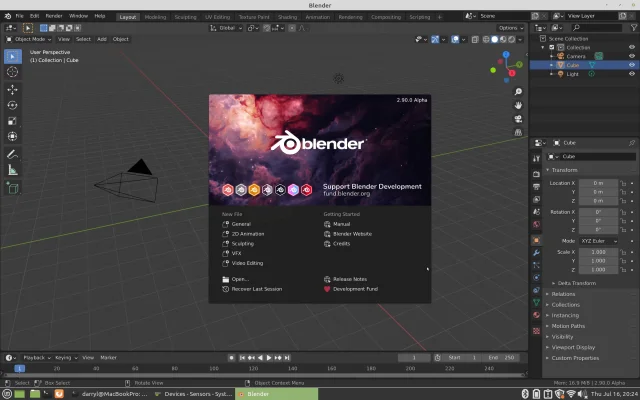
Blender 2.90 is currently in the alpha stage shipping with new features and improvements, here is the complete release note of changes that will take place in this release.
First, we need to get the dependencies and packages required to build Blender 2.90 alpha
Initial dependencies for Debian/Ubuntu/Linux Mint and Elementary OS.
sudo apt updatesudo apt install git build-essentialInitial dependencies for Fedora/CentOS and Red Hat Enterprise Linux.
sudo dnf updatesudo dnf install @development-tools gitCreate the blender-git directory
mkdir ~/blender-gitSet blender-git as the current directory
cd ~/blender-gitCloning the repository locally.
git clone https://git.blender.org/blender.gitDownload pre-compiled libraries.
The pre-compiled libraries for Intel and AMD will help you compile and build a feature-complete Blender much faster. The libraries are built on CentOS 7 , but they are compatible and work fine on any Linux. (I have tested this on Linux Mint 20).
mkdir ~/blender-git/libcd ~/blender-git/libsvn checkout https://svn.blender.org/svnroot/bf-blender/trunk/lib/linux_centos7_x86_64For automatic dependency, installation follow this guide.
Let's update and build Blender 2.90
cd ~/blender-git/blendermake updatemakeThe making process will take time, the speed depends on the CPU core count, memory, and disk IO speed, CPU cores, the higher, and the faster-compiling speed.
After the process is complete the Blender executable will be located.
~/blender-git/build_linux/binIf the building fails after an update, it sometimes helps to remove the ~/blender-git/build_linux folder to get a completely clean build.
rm -rf ~/blender-git/build_linuxThen re-run the make updatemake command.
Enjoy using Blender.
