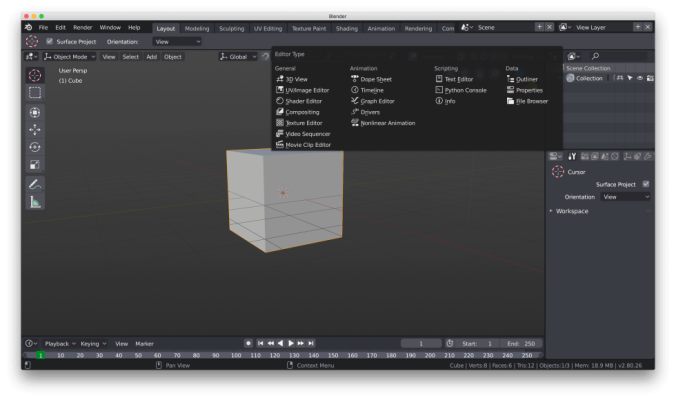
Blender 2.8 is currently in beta stage shipping with many new features like Eevee real-time render engine, refreshed interface and here is how to source compile it on any Linux based operating system.
First, create a directory, where we will store the cloned source code and compile it.
Get Git and Development Tools
Debian/Ubuntu
sudo apt-get install git build-essentialFedora
sudo dnf install gitsudo dnf -y groupinstall "Development Tools"CentOS
sudo yum install gitsudo yum -y groupinstall "Development Tools"mkdir ~/blender-gitSet blender-git as the current directory
cd ~/blender-gitCloning blender2.8 branch to the set directory from git.blender.org
Update: This article was written when Blender 2.8 was under development and the repository structure has changed below is the updated information.
git clone https://git.blender.org/blender.git # current repogit clone https://git.blender.org/blender.git -b blender2.8 # repo when 2.8 was betacd blendergit submodule update --init --recursivegit submodule foreach git checkout mastergit submodule foreach git pull --rebase origin masterInstall all the required dependencies to compile Blender.
./build_files/build_environment/install_deps.shDependencies are installed you can compile it
makeThis should take some time; the processing speed depends on your hardware specification.
Exiting blender and going to the parent directory
cd ..Launching Blender executable
./build_linux/bin/blenderRe-compiling new version
cd ~/blender-git/blendermake update && makePlease feel free to leave a comment below if you have any questions.
