0:00--:--
Autosave is a very handy feature, available in Maya.
Autosave, its names says it all, it incrementally saves the file, by default it saves the file with a five-minute interval.
This can be extremely useful if you are used to working for long hours, and you are used to seeing the apple spinning pinwheel.
Let’s not go more in depth with why you see the pinwheel, time to go straight into setting up Autosave.
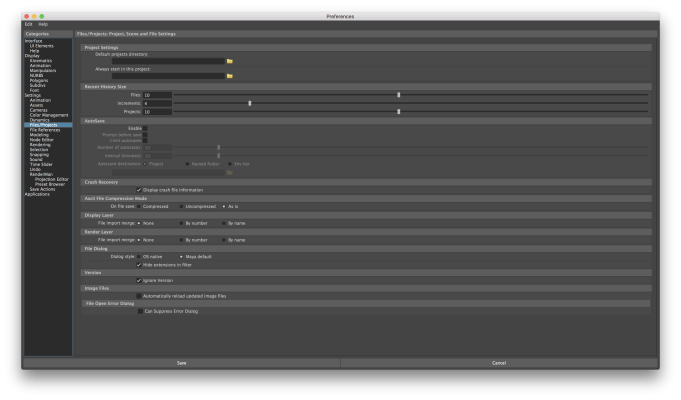
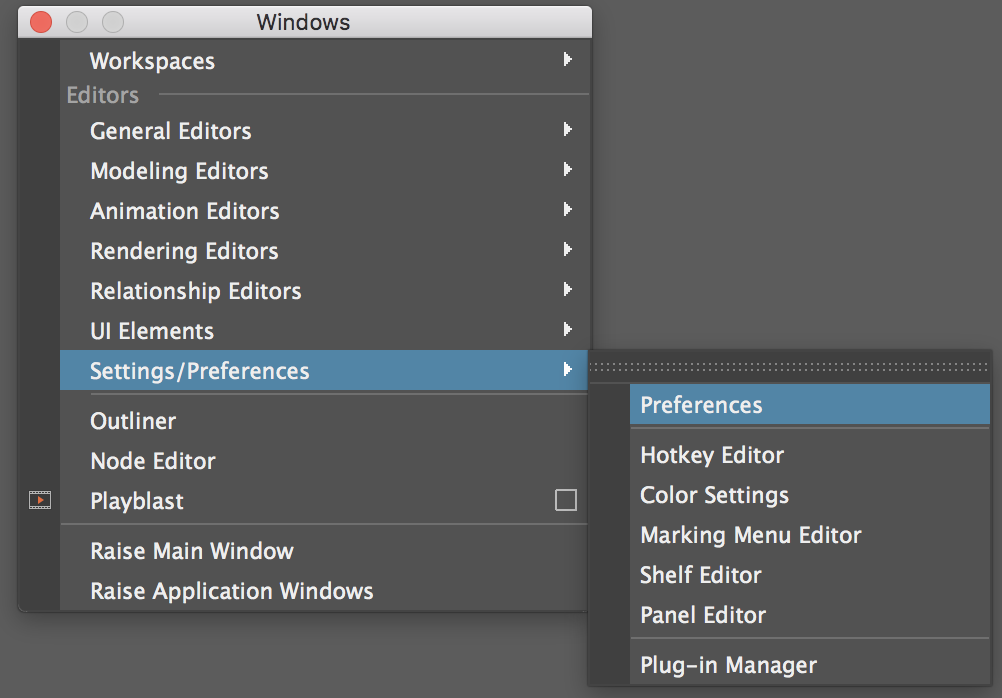
First open Maya preferences. Windows > Settings/Preferences > Preferences settings-and-preferences
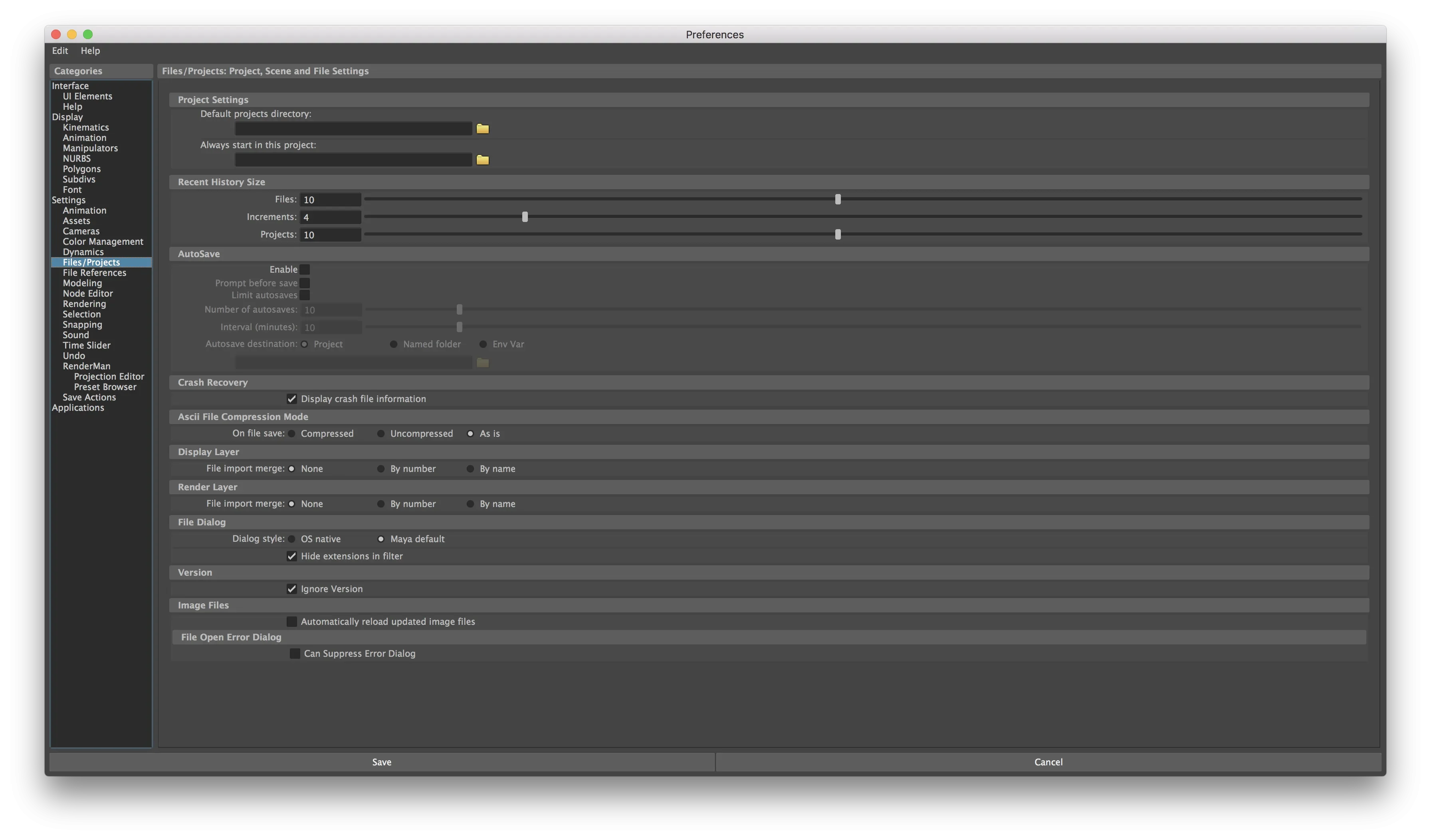
The AutoSave tab is located under File/Projects
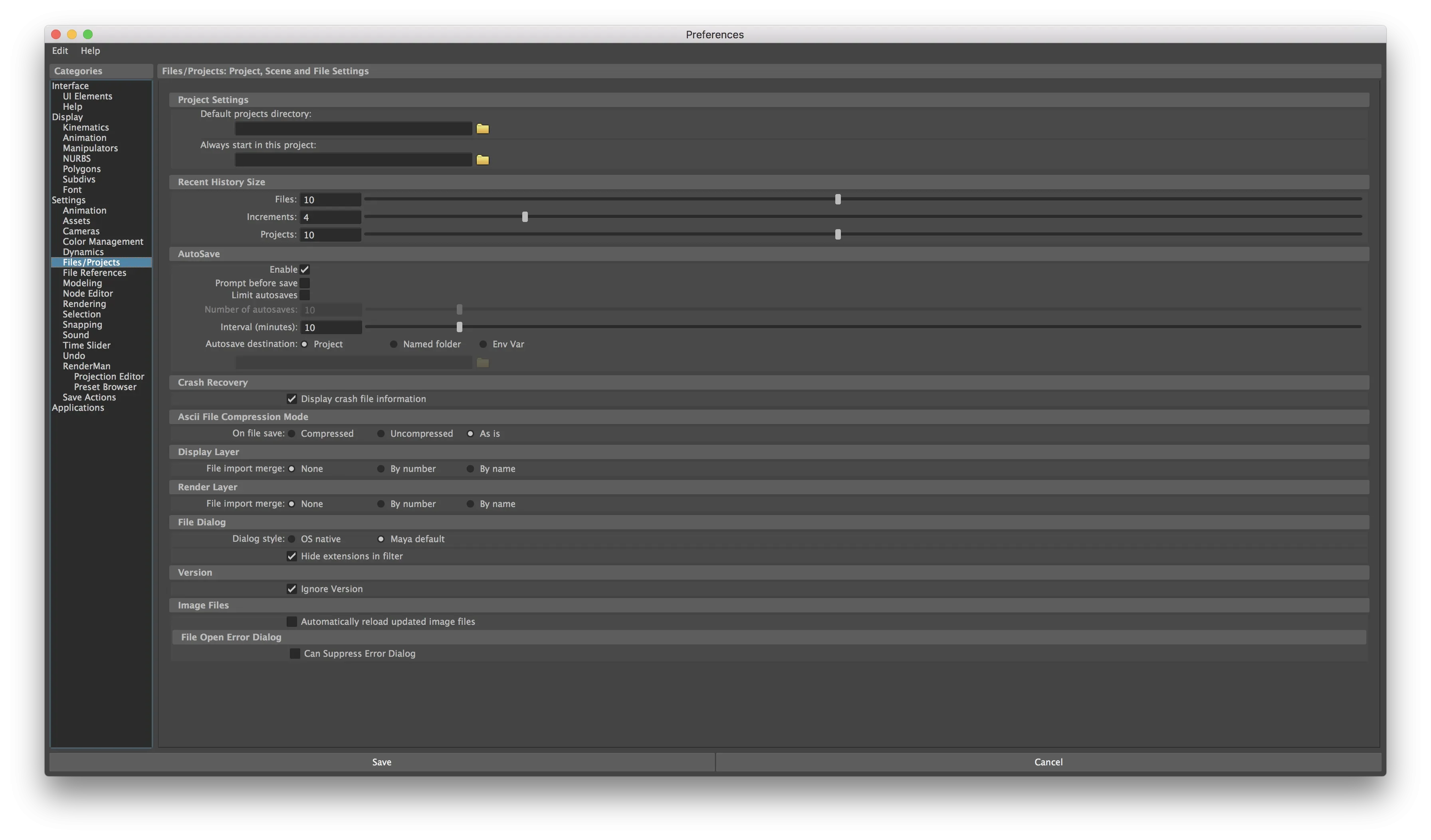
All you need to do is click on the Enable checkbox, you can edit the settings below according to your requirements.
Thank you for reading,
