
0:00--:--
Deno is a secure runtime for JavaScript and TypeScript.

Deno is basically Node reversed.
We will install Deno on Arch Linux, I will list two methods.
First method.
You can install it using Pacman by entering the command below,
sudo pacman -S denoHere is the web link to the package.
Second method.
Enter the following commands in Terminal.
curl -fsSL https://deno.land/x/install/install.sh | shNext step is specifying Deno’s path to bash.
Open .bashrc and add the lines below to it.
nano ~/.bashrcexport DENO_INSTALL="/home/$USER/.deno"
export PATH="$DENO_INSTALL/bin:$PATH"Open a new Terminal instance.
Testing Deno
Enter the following command.
denoTo check the version on Deno simply run.
deno -vRun the following command.
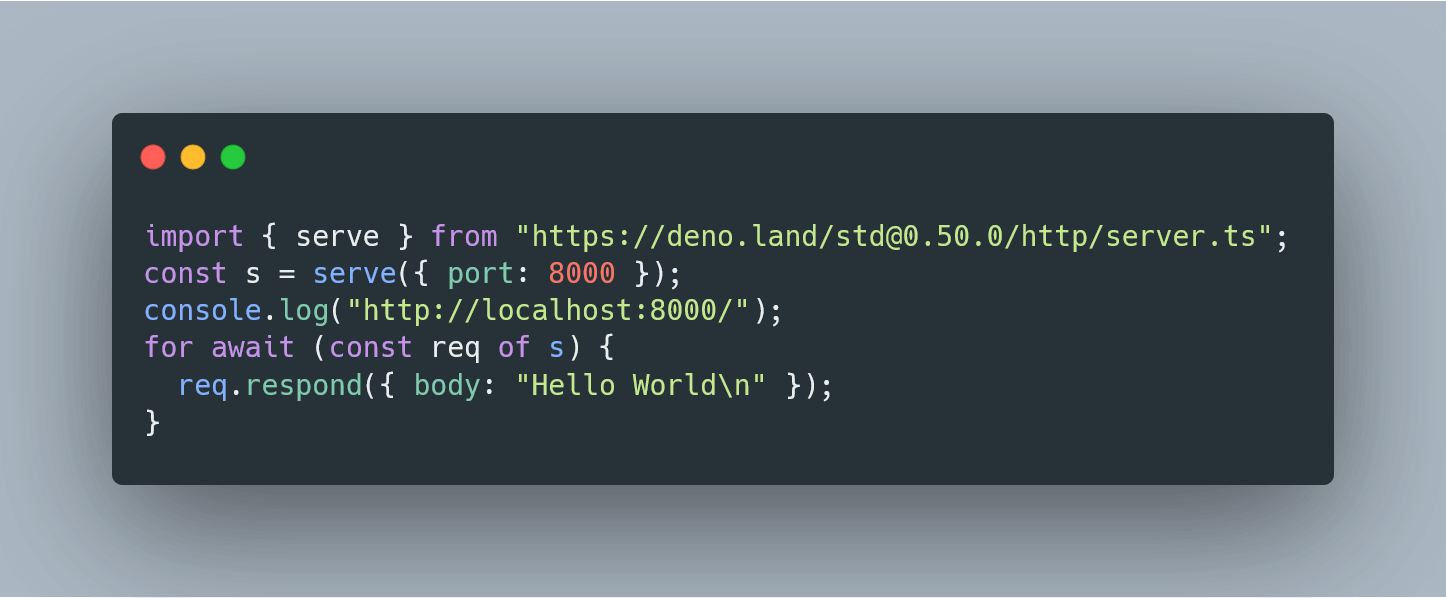
deno run https://deno.land/std/examples/welcome.tsYou can also write your first Deno hello world server, code example below.
import { serve } from "https://deno.land/std@0.59.0/http/server.ts";
const s = serve({ port: 8000 });
console.log("http://localhost:8000/");
for await (const req of s) {
  req.respond({ body: "Hello World\n" });
}
Now you have Deno successfully installed.
Happy Coding :)
